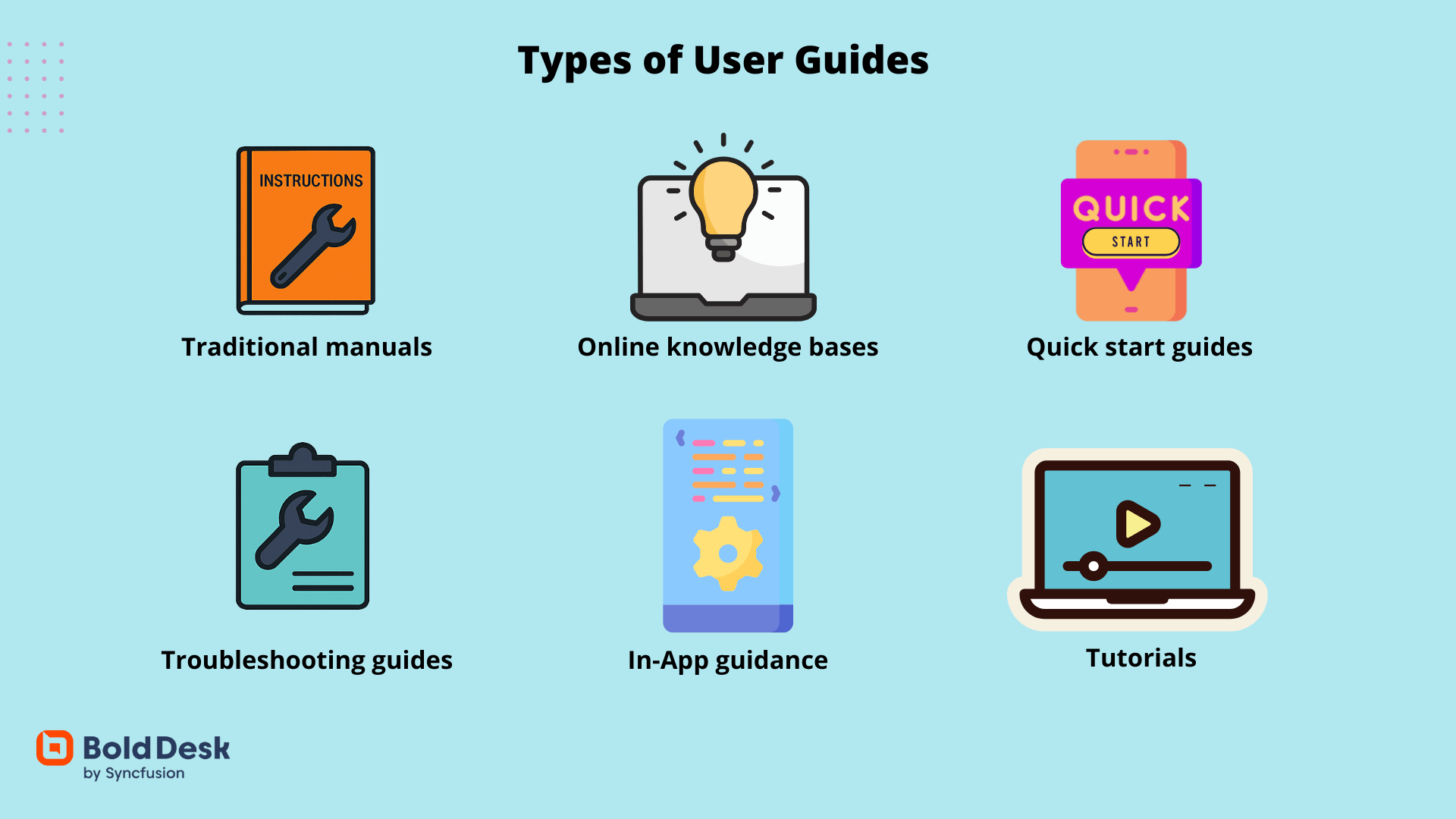
Documentation rarely follows a master plan. A team launches with a user manual because new customers need somewhere to start. Months later, support notices the same questions appearing over and over, so a knowledge base is added. Neither decision is wrong. The complication comes later, when both resources are being updated separately and neither quite matches the other anymore.
That is why learning how to write a user guide involves more than choosing a format. It also means understanding the job each format is expected to do as a product grows.
A User Manual Builds Understanding
A manual is written for someone who needs the complete picture. It explains concepts, introduces features in a logical order, and guides readers through processes from beginning to end. This structure makes it especially useful during onboarding, training, and first-time implementation.
Its weak spot only becomes obvious after a few product releases. The same workflow often appears in several chapters, and a small interface change can ripple through the entire document. One section gets updated, another is overlooked, and readers begin seeing different instructions for what should be the same task. The manual hasn’t disappeared; it has simply become harder to trust.
A Knowledge Base Keeps Answers Close
Knowledge bases solve a different problem. Instead of teaching the whole application, they help people who are already using it.
Someone searching for an export setting, a permissions issue, or an error message usually wants one answer, not an entire chapter. Searchable articles make this possible, which is why knowledge bases have become a standard part of customer support.
But maintaining them takes discipline. Articles are often added one at a time as new questions arise. Over months of product updates, similar topics can start telling slightly different stories. Search gets readers to an article quickly, but it doesn’t warn them when another article explains the same workflow differently.
The Challenge Starts After Both Exist
Manuals and knowledge bases are often presented as competing documentation strategies, but most mature software products eventually rely on both.
One teaches complete workflows. The other provides quick reference during everyday work. Together, they support different moments in the customer experience.
The maintenance burden begins when every product update has to be reflected in multiple places. Without a consistent documentation workflow, keeping those versions aligned gradually becomes more difficult than writing them in the first place.
Keeping Documentation in Sync
Many documentation teams focus less on choosing between formats and more on reducing duplicated work behind them. Rather than maintaining separate documentation projects, they build on source that can be published in different ways.
Dr Explain supports this approach by combining interface capture, structured authoring, and multi-format publishing within one project. Instead of updating a user manual, web help, and other documentation independently, teams can revise one source and publish consistent outputs across every format their customers use.
Looking Beyond the Format Debate
Knowing how to write a user guide isn’t simply about deciding whether a manual or a knowledge base is the better choice. As products evolve, most organizations discover that each serves a different purpose, and both need to stay aligned if customers are going to trust the documentation.
Building this consistency is as much about the documentation process as the writing itself. Solutions such as Dr Explain help teams simplify this process by making it easier to maintain accurate documentation across multiple formats. For organizations looking to strengthen their documentation as products grow, it’s an approach worth exploring.

