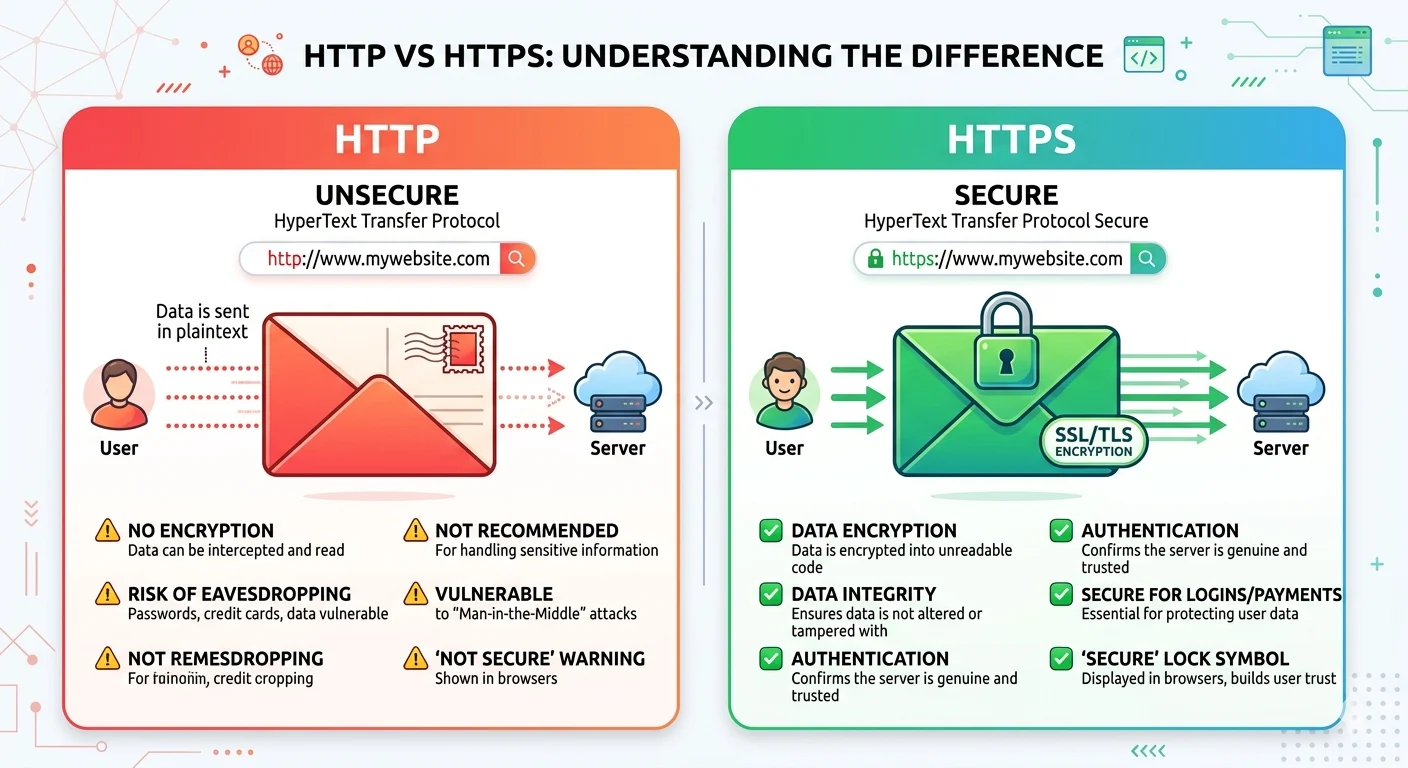
Whenever you type a website address, it usually starts with HTTP or HTTPS. At first glance, they may look like confusing technical terms, but they are actually very simple to understand. Many people mix them up or ask questions like “HTTP or HTTPS which is more secure?” or “is port 8080 HTTP or HTTPS?”. Using the wrong one can put your passwords, personal data, and online payments at risk.
In this guide, we will explain both terms in plain English. You will learn what HTTP and HTTPS mean, how they differ, and when to use each one. We include simple examples, real-life scenarios, and memory tricks so beginners can easily remember them. You will also discover common mistakes to avoid and how to quickly check if a website is secure.
By the end of this article, you will confidently understand HTTP vs HTTPS and be able to answer questions like “which is safer, HTTP or HTTPS?”. Whether you are browsing, building a website, or learning about internet security, this guide makes everything simple, clear, and easy to follow.
What Does Each Term Mean?
HTTP
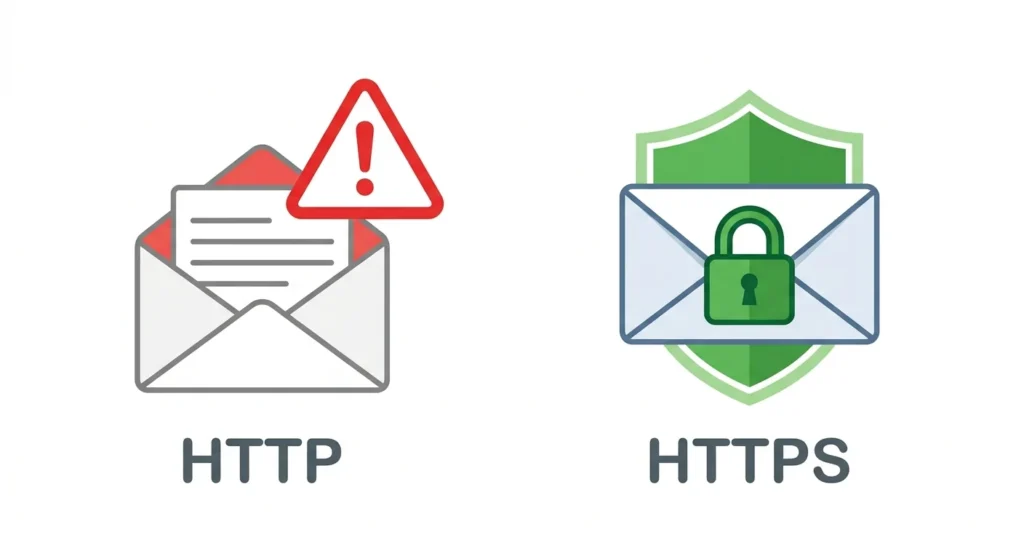
HTTP stands for HyperText Transfer Protocol. It is the standard method your browser uses to communicate with a website. Think of it like sending a postcard—anyone along the way can read the information.
Part of Speech: Noun (technical term)
Examples:
http://example.com– a website without encryption.- Browsers may show warnings when a page uses HTTP.
- Sending passwords or sensitive information over HTTP is risky because hackers can intercept it.
Memory Tip: HTTP = Hey, This is Transparent.
HTTPS
HTTPS stands for HyperText Transfer Protocol Secure. It is the secure version of HTTP. HTTPS uses SSL/TLS encryption to protect your information. Using HTTPS is like sending a locked envelope instead of a postcard—only the recipient can read it.
Part of Speech: Noun (technical term)
Examples:
https://example.comensures your login details are encrypted.- Banking and shopping websites always use HTTPS.
- Form submissions with passwords or payment information should always use HTTPS.
Memory Tip: HTTPS = Hey, This is Trapped Securely.
A Simple Story to Remember
Imagine sending a letter to a friend:
- HTTP = open postcard, anyone can read it.
- HTTPS = locked envelope, only the friend can read it.
This makes it easy to remember why HTTPS is safer for sensitive information.
The Key Difference Between HTTP and HTTPS
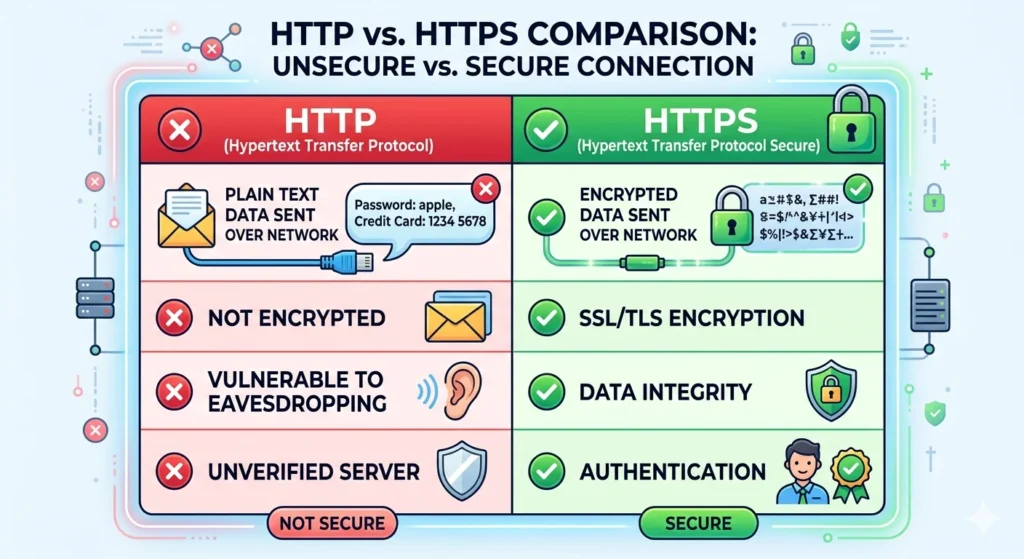
| Feature | HTTP | HTTPS | Quick Tip |
|---|---|---|---|
| Meaning | HyperText Transfer Protocol | HyperText Transfer Protocol Secure | HTTPS encrypts data |
| Security | Data is sent in plain text | Data is encrypted using SSL/TLS | Look for the padlock in the browser |
| Common Use | Blogs, news, public info | Banking, shopping, login pages | If it asks for passwords, always use HTTPS |
| Default Port | 80 | 443 | Ports help identify the protocol |
| Speed | Slightly faster in very old systems | Modern HTTPS is almost as fast | Modern HTTPS is secure and fast |
| Example URL | http://mysite.com | https://mysite.com | S = Safe |
Quick Tip: Always use HTTPS for personal information, login pages, and online payments.
Common Mistakes and How to Avoid Them
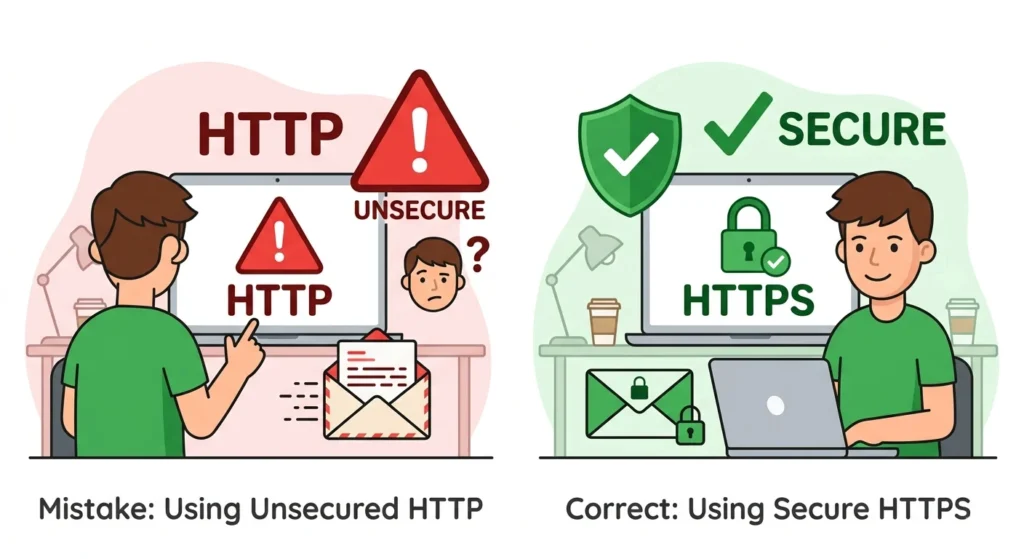
- Using HTTP for sensitive information
- Incorrect:
http://mybank.com/login - Correct:
https://mybank.com/login
Why: HTTP is unencrypted, HTTPS protects your data.
- Incorrect:
- Ignoring browser warnings
- Incorrect: Clicking “proceed anyway” on HTTP pages for forms or payments
- Correct: Only proceed if the website uses HTTPS
- Assuming HTTPS is slower
- Incorrect: Avoiding HTTPS because you think it will slow your website
- Correct: Modern HTTPS is almost as fast and much safer
- Confusing ports
- Question: “Is port 8080 HTTP or HTTPS?”
- Answer: Port 8080 is often used for HTTP testing. HTTPS uses port 443.
When to Use HTTP
HTTP is suitable for websites that don’t require sensitive information.
- Public blogs, news websites, and general information pages
- Educational content without login forms
- Testing websites locally (e.g.,
http://localhost:8080) - Internal apps where encryption is not critical (e.g., Nextcloud snap default HTTP or HTTPS for local networks)
Practical Examples:
http://exampleblog.com– general blog- Internal school project site:
http://localhost:8080 - Documentation pages without personal info
- Testing apps during development
Memory Hack: No personal or financial information → HTTP is okay.
When to Use HTTPS
HTTPS should always be used when data needs protection.
- Banking, shopping, or online payment websites
- Login and signup forms
- Sending emails or personal data
- Internal apps requiring secure access (e.g., Nextcloud HTTPS setup)
Practical Examples:
https://www.onlinebank.com/loginhttps://shop.example.com/checkouthttps://example.com/signup- Secure internal company apps
Memory Hack: Look for the padlock icon in the browser. S = Safe!
Advanced Tips
- History: HTTPS was developed to secure HTTP after the growth of the internet and cyberattacks.
- HTTPS vs WWW:
https://www.example.comvshttps://example.com– HTTPS secures the site; WWW is optional. - HTTP or HTTPS which is faster? Modern HTTPS is almost as fast as HTTP due to server optimizations.
- Browser Considerations: Chrome and Firefox warn users if a page uses HTTP for forms.
- SSL Certificate Validation: Only HTTPS with a valid certificate is trusted.
- Formal Writing: Use HTTPS URLs when citing secure sources in essays or reports.
Quick Recap: HTTP vs HTTPS
- HTTP: Not encrypted, suitable for public info, port 80
- HTTPS: Encrypted, secure, port 443
- Rule: Use HTTPS for sensitive info, login pages, and payments
- Tip: “S” in HTTPS = Safe
- Browser Tip: Padlock icon = HTTPS
Mini Quiz
Fill in the blanks with HTTP or HTTPS:
- My email login is secure because it uses ________.
- A basic blog without login info can use ________.
- Online shopping pages must always use ________.
- The default port 80 is for ________.
- Websites with encryption use ________.
- Testing a local Nextcloud instance often starts with ________.
- Sending a password over a public Wi-Fi network without encryption is risky with ________.
Answers:
- HTTPS
- HTTP
- HTTPS
- HTTP
- HTTPS
- HTTP
- HTTP
FAQs
- What is HTTP and HTTPS?
- HTTP is the basic web protocol; HTTPS is its secure version with encryption.
- Is HTTP or HTTPS more secure?
- HTTPS is more secure because it encrypts your data.
- Which is safer, HTTP or HTTPS?
- HTTPS is safer for personal info, passwords, and online payments.
- Should I use HTTP or HTTPS for my website?
- Use HTTPS for any sensitive content; HTTP is fine for public info.
- What is the difference between HTTP and HTTPS ports?
- HTTP uses port 80; HTTPS uses port 443.
- Nextcloud snap default HTTP or HTTPS?
- By default, local Nextcloud may use HTTP, but it should be switched to HTTPS for secure access.
- HTTP or HTTPS which is faster?
- Modern HTTPS is almost as fast as HTTP and much safer.
- HTTP or HTTPS in apps:
- Use HTTPS for apps handling sensitive data like login info, payments, or personal files.
Conclusion
Now you know the difference between HTTP and HTTPS. HTTP is fine for public websites, while HTTPS keeps sensitive data safe. Remember: “S” in HTTPS means Safe. By using the correct protocol, you protect your passwords, payments, and personal information.
Next time you visit a website, always check the URL. Look for the padlock, the HTTPS prefix, and avoid sharing sensitive information on HTTP pages. Practice identifying HTTP vs HTTPS in your daily browsing, and soon it will become second nature. With these simple rules, examples, and memory tips, you can browse safely and securely. Understanding HTTP or HTTPS is an important step toward smarter internet usage.

